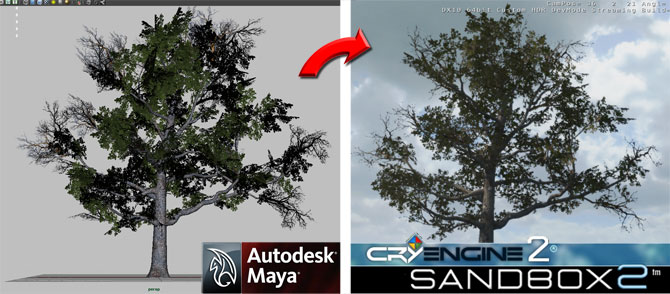
I’ve just uploaded a new tutorial about building a tree for the Cryengine2. It talks about the method I follow to model a tree in Maya and then export it into Crysis. All this using of course MayaCGF! 😀
“Despicable Me” has just been released over the week-end in the US, and apparently it did, shall we say, very well. It is the first movie on which I directed the animation. And after leaving Dreamworks (and having worked there for more than 10 years), let me tell you it’s a great feeling. But I mean, it’s also very surreal; our “small” movie did more on its opening week-end than the latest Dreamworks movie. The mind boggles. Now is it going to have legs? No one knows, of course…
So congratulation to the animators and everyone at MacGuff. And a big Thank You to everyone who sent in a kind word!
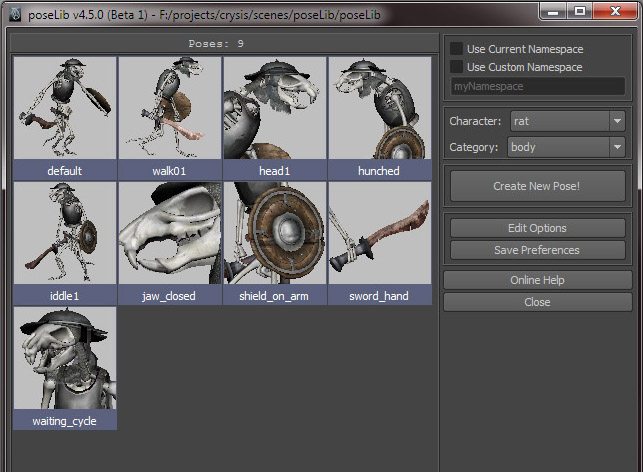
I just released a new version of poseLib for Maya 2011. It’s compatible with Windows and Linux (didn’t test it on a Mac, since I don’t have one). Between Highend3d and this site, poseLib’s been downloaded well over 20,000 times. And I know for a fact that it’s being used on production by movie and video-game studios worldwide. And do you know how many people expressed their support by donating? Two. Funny, no? 😛
Here is a simple walk cycle made in Maya and exported to Sandbox2. I did it mostly to test the attachment concept with MayaCGF. So the only smooth skinned elements are the bones and the chainmail cowl. The other attachments (shield, sword, etc…) are rigid. Note that the secondary animation on the quiver is automatic; you just choose an axis and a damping value.
Today I discovered lightbox, which is a simple level for Sandbox 2 featuring a 3 point lights setup akin to one you would use to render your assets in a neutral “studio” environment. Except of course that there’s no need to render anything, because it’s all happening in real-time! Lightbox was created by George Piskas.
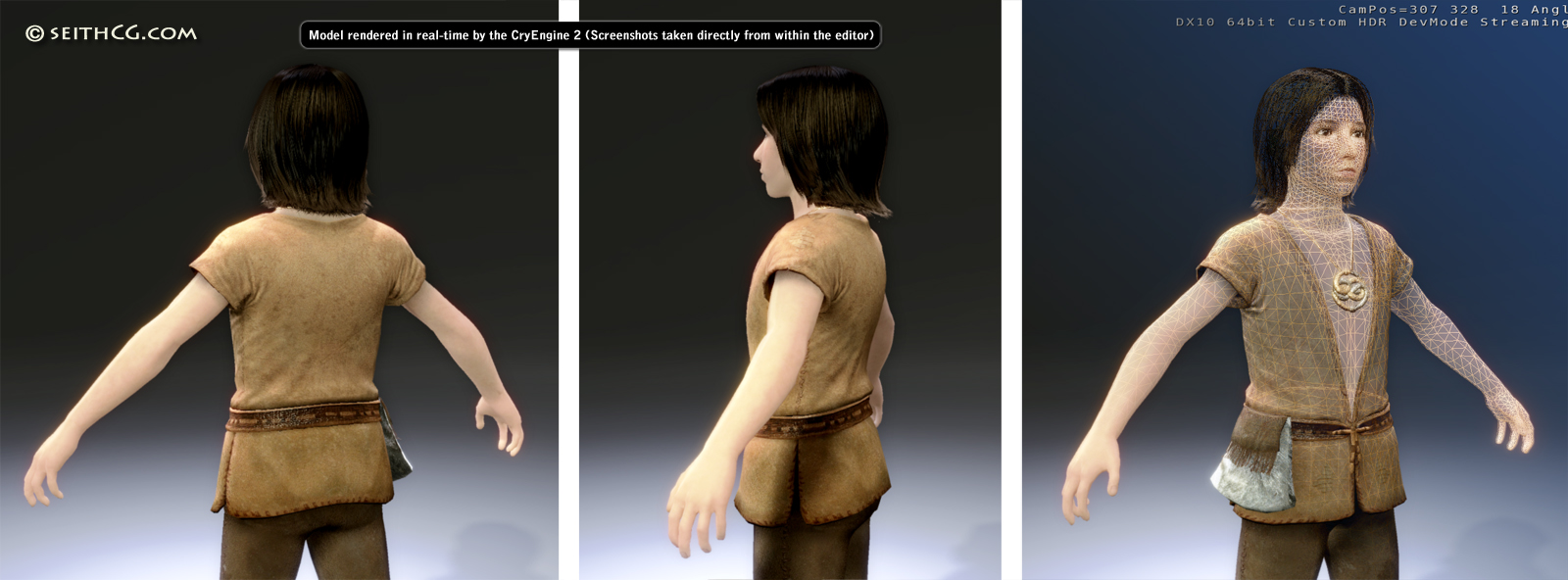
I just dropped in a model I’m working on, tweaked a bit the lights and added wind dynamics for the hair. With MayaCGF, I can model in Maya, click on a button to export the model, then switch seamlessly to Sandbox 2 and click “Reload” to instantly check the result. I’m loving it! 😀
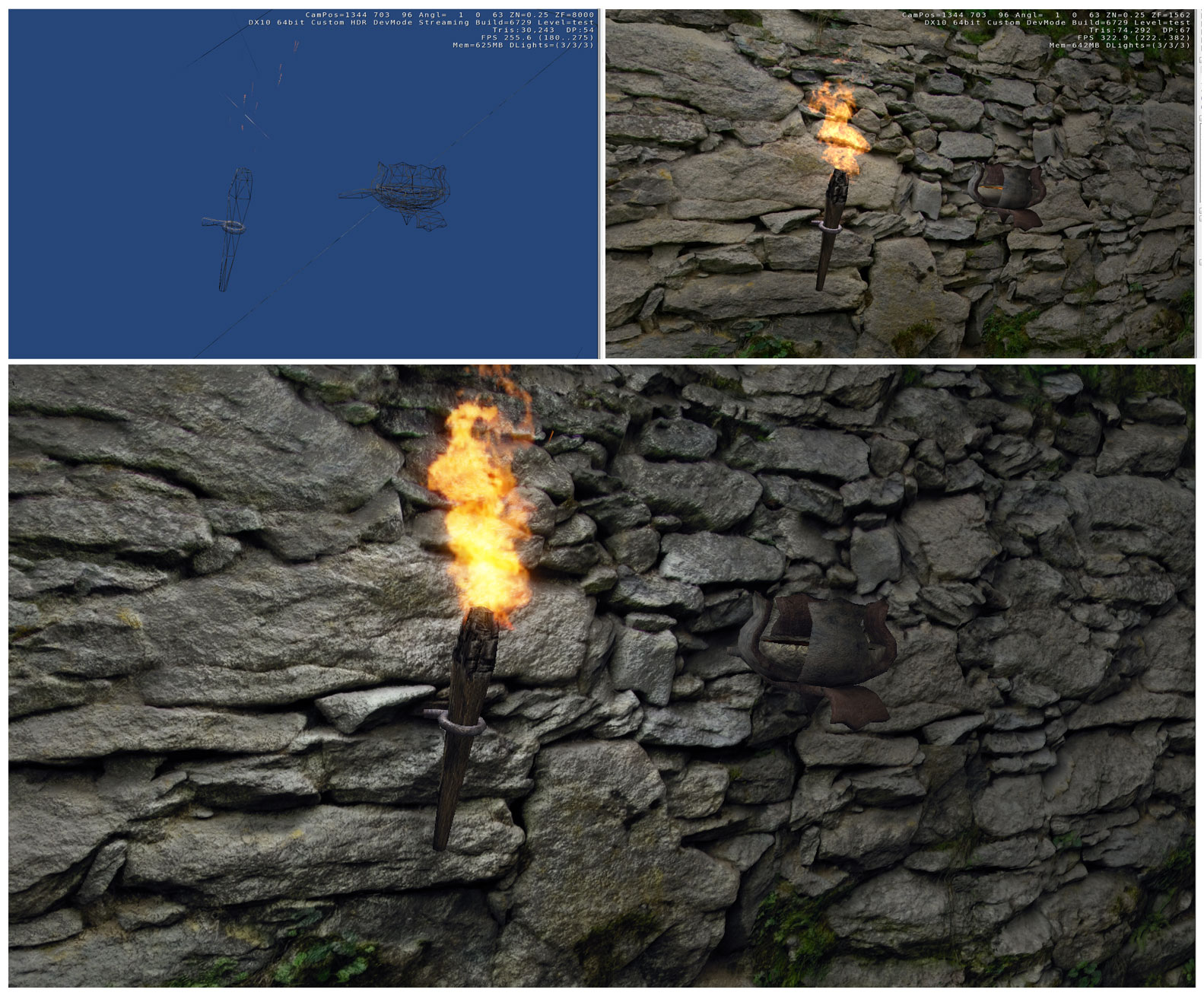
Over the week-end I’ve been working on some textures and I also played a bit with Sandbox2’s particles and lights. This is just a wall from the WIP dungeon I use to test stuff. As you can see, polygon density is rather low… 😛 What you can’t see on the picture though is that the torch is spewing little cinders which fly in the air before dying off, as well as smoke and subtle heat distortion. Coupled with flickering lights, the effect is surprisingly immersive!
One method to get a speech bubble in Photoshop is to draw an elliptic selection, add a tail to the bubble by using the polygonal lasso tool, then fill the selection with white. Finally, you add a black stroke effect around it all and hop, you’re done! Well, it actually becomes tedious after the third one… So I wrote this script for Photoshop; all you need to do is draw the ellipse and run the script (as an action). And voila! Instant speech bubble!