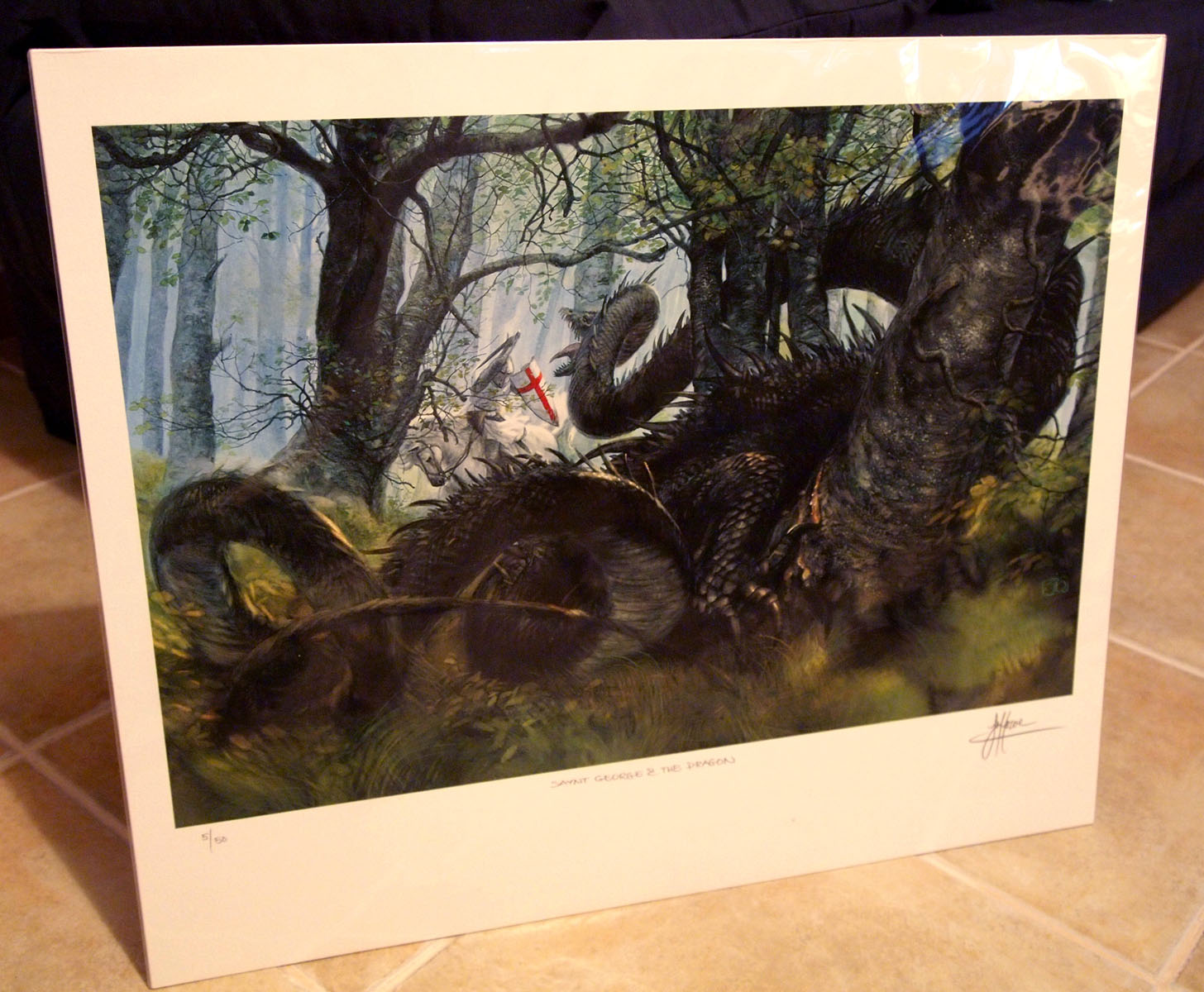
“Saynt George & The Dragon”
December 17th, 2011
No comments
On an unrelated note… I just received a wonderful limited print of a piece by John Howe (signed by the artist). It is truly a remarkable work of art. The detail in there is fascinating and the energy of the composition is palpable. I really like his take on the dragon as a wormy, serpentine figure, far from the glamorous winged creatures we’re so accustomed to in fantasy art.